Free cursive animations to embed
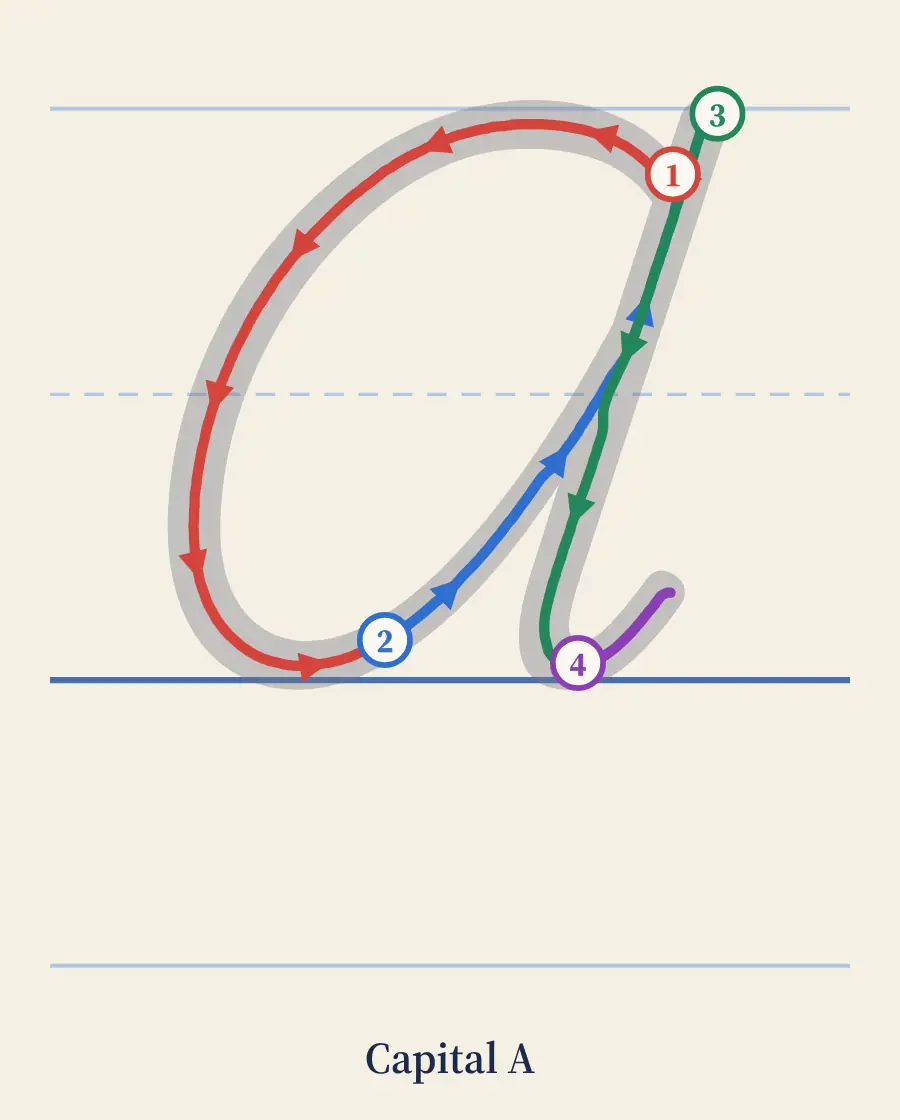
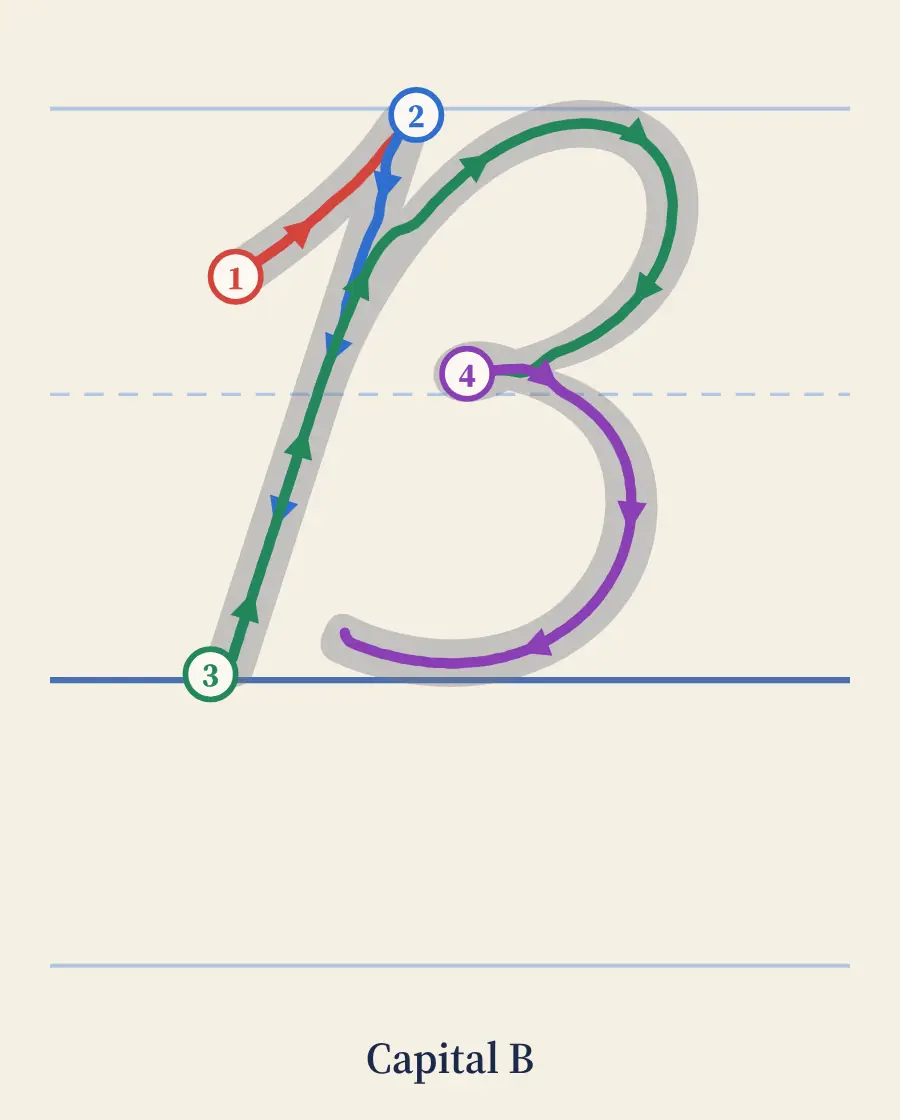
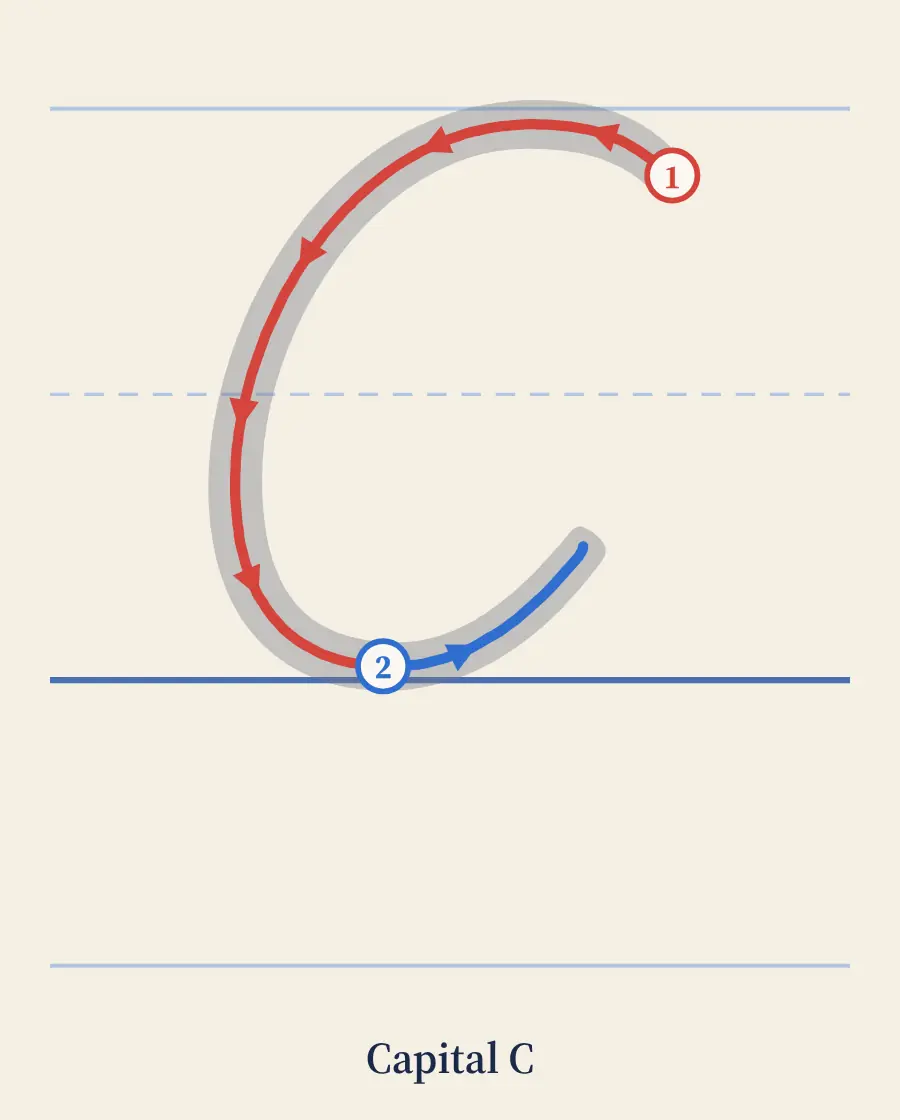
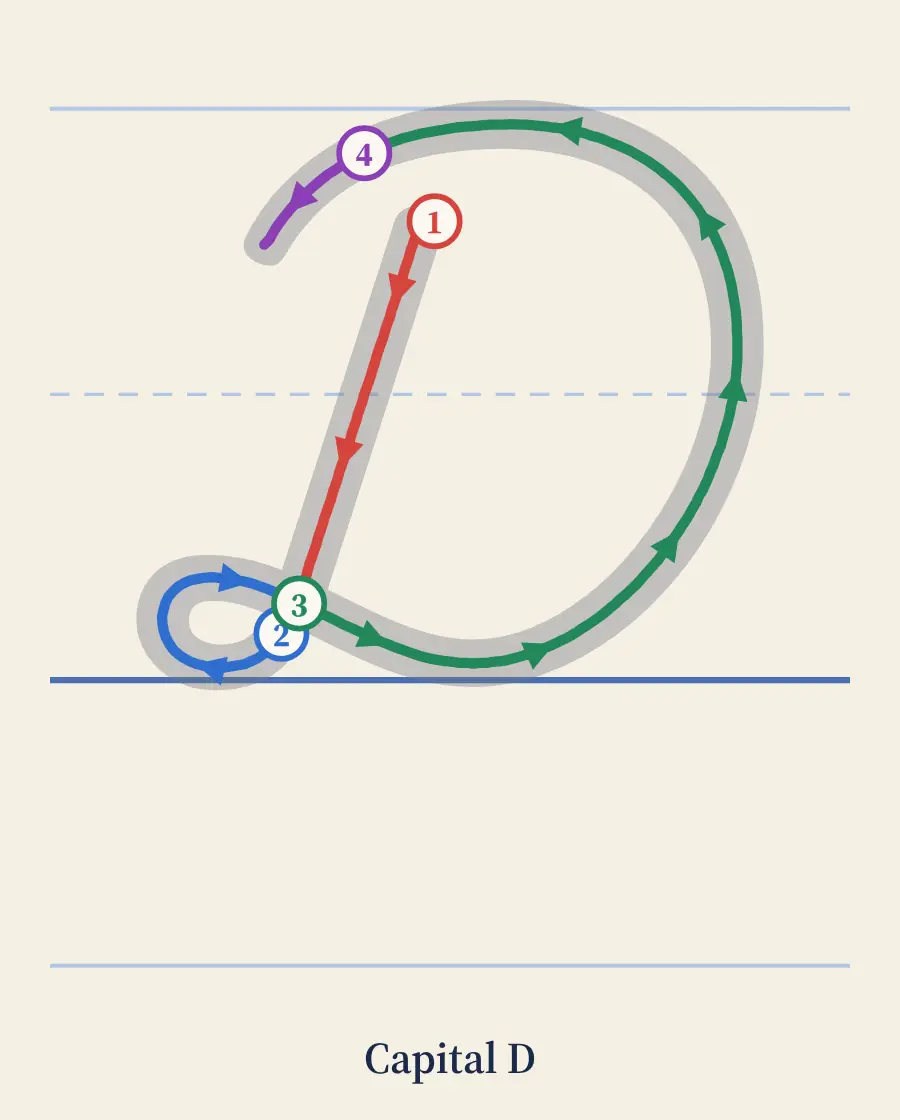
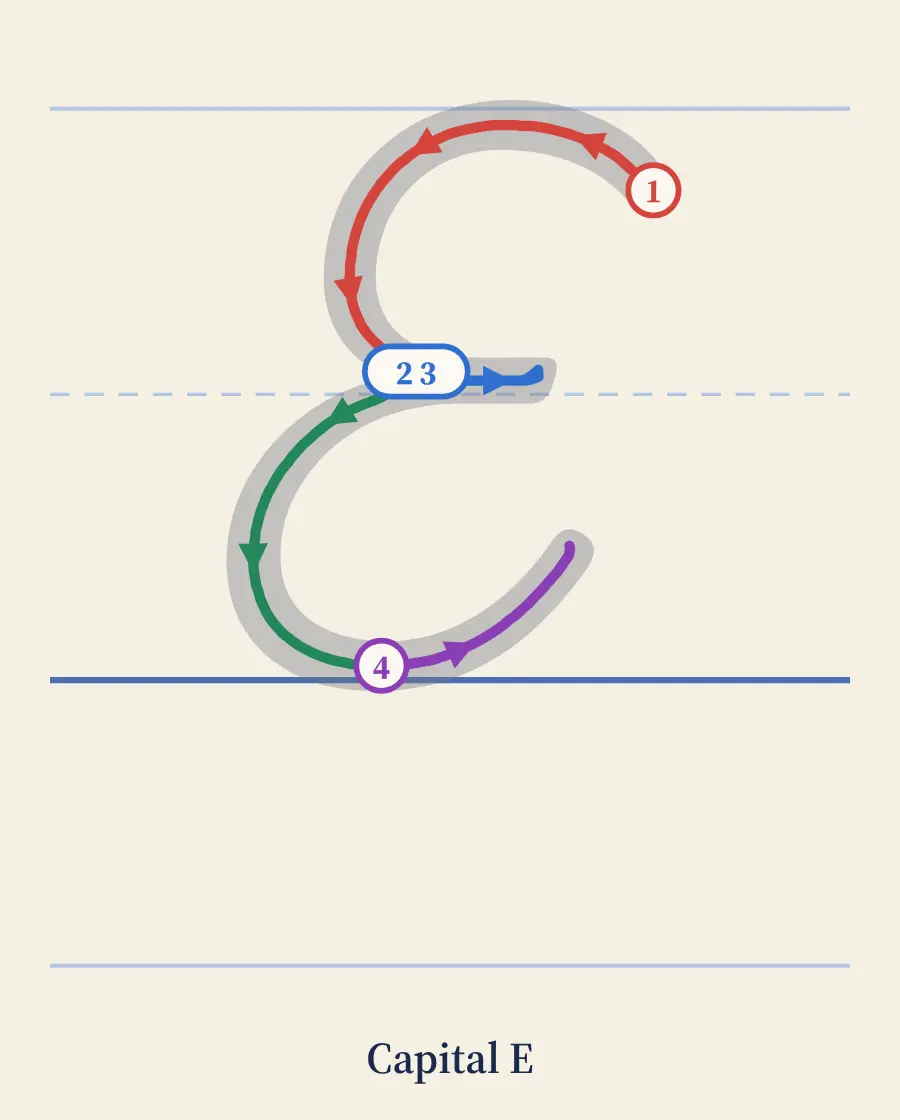
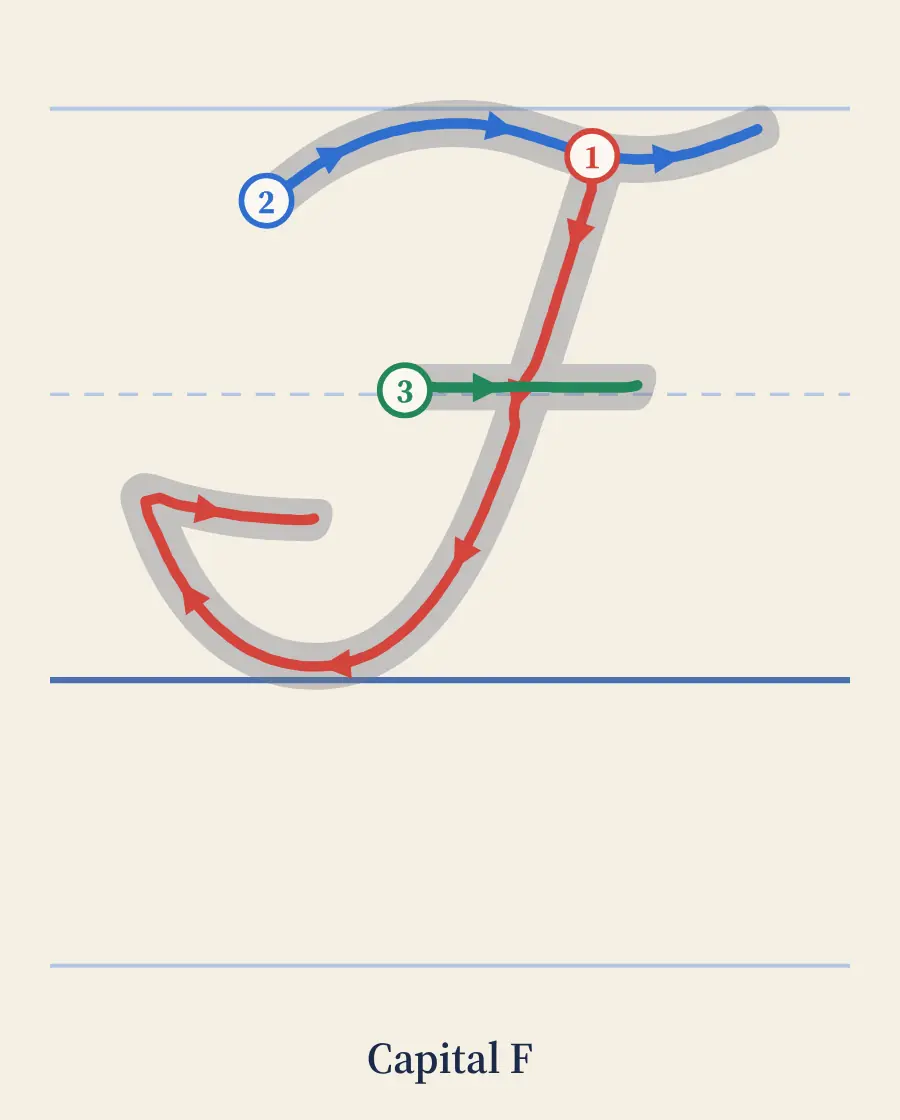
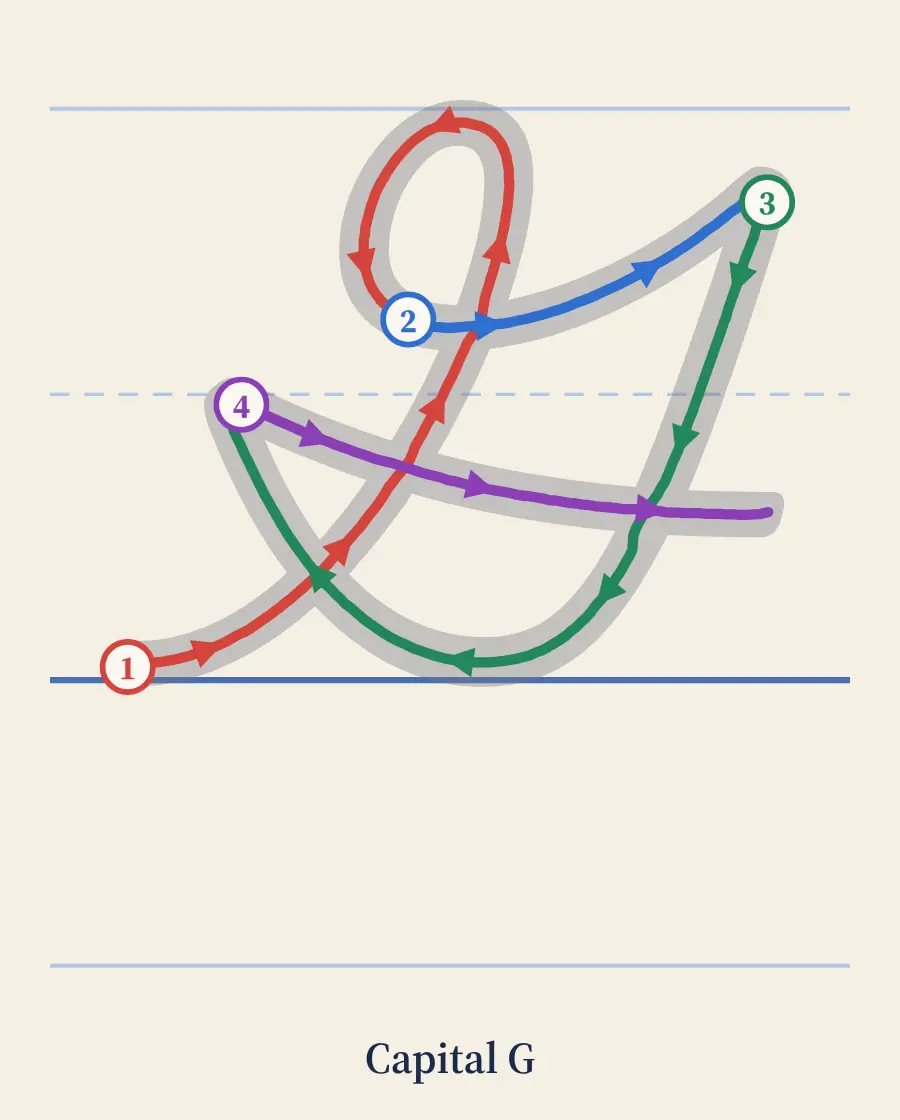
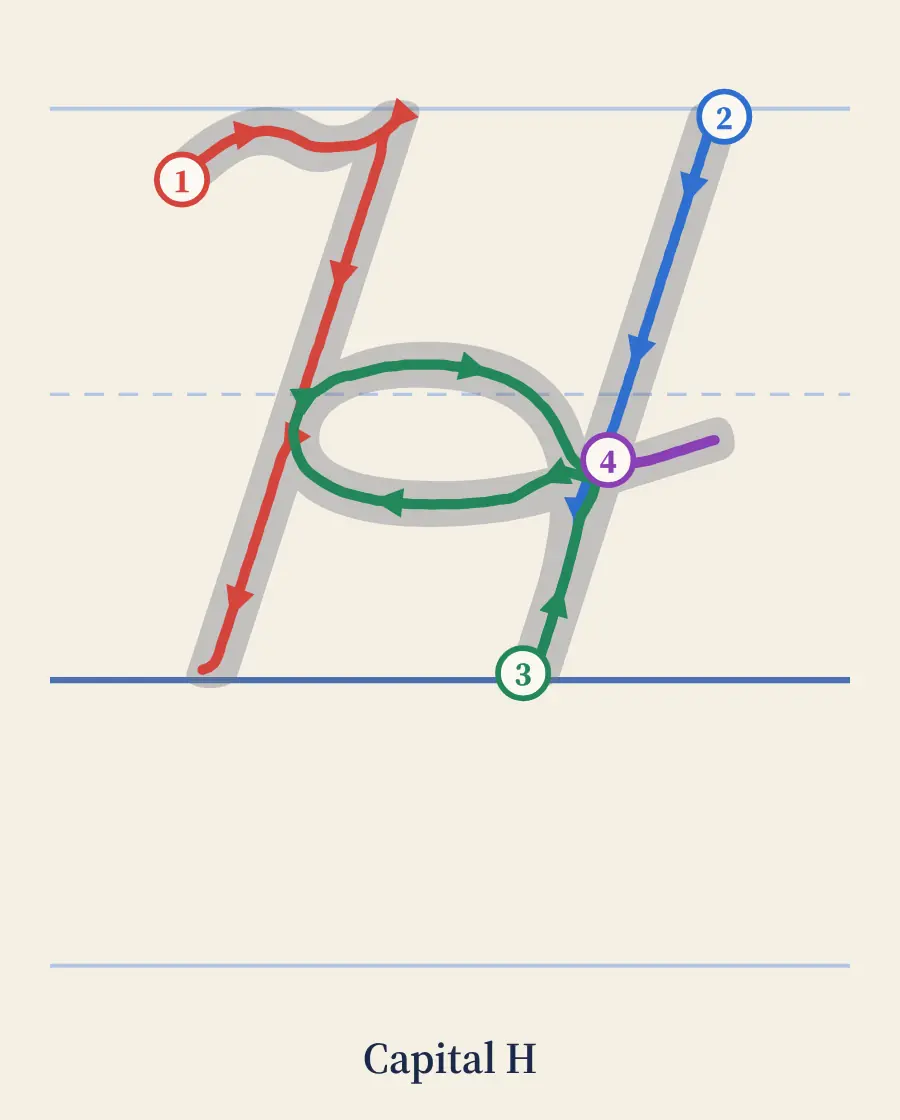
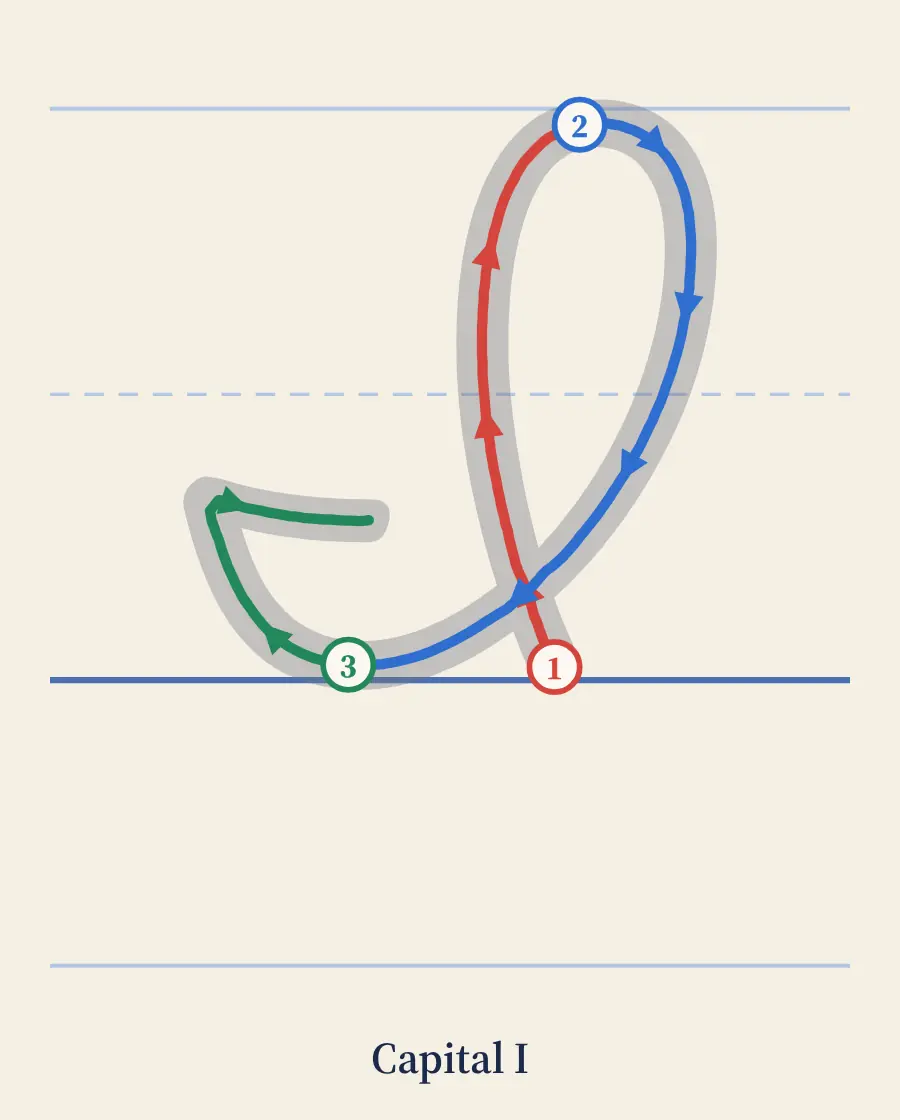
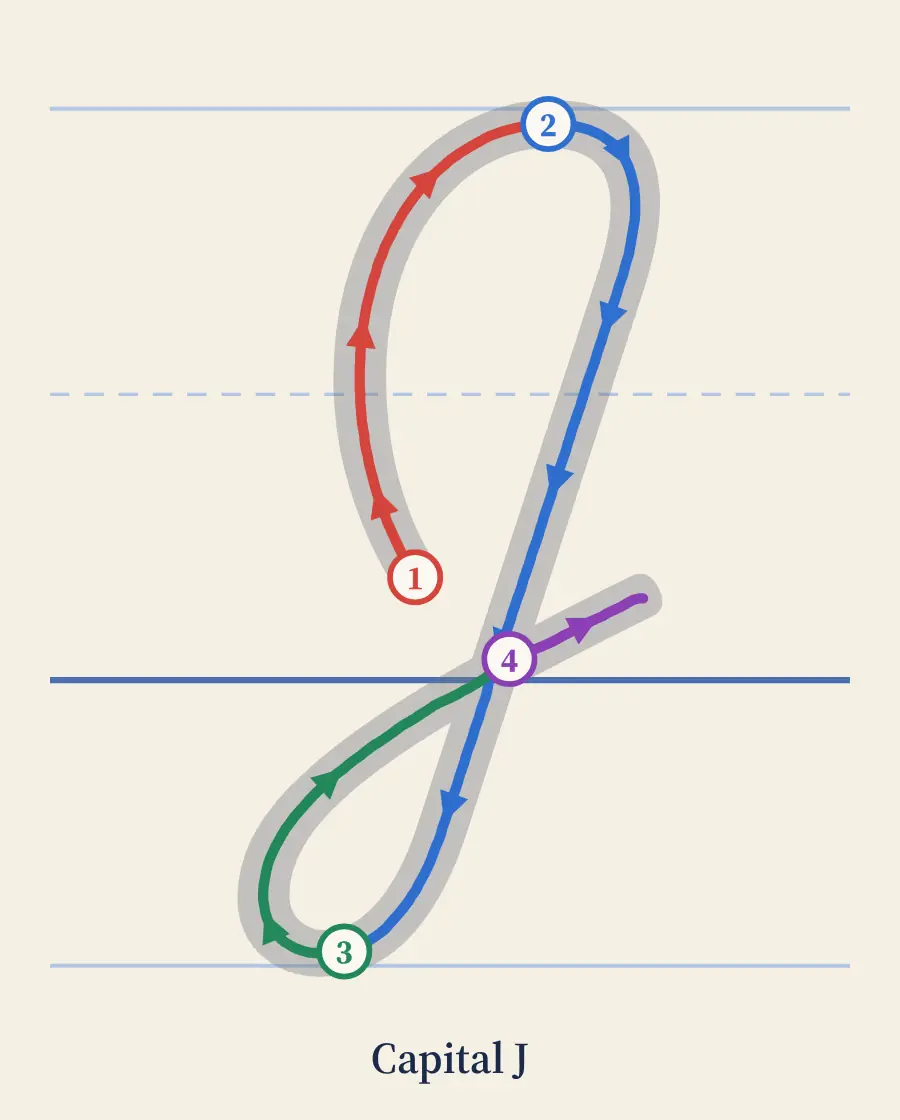
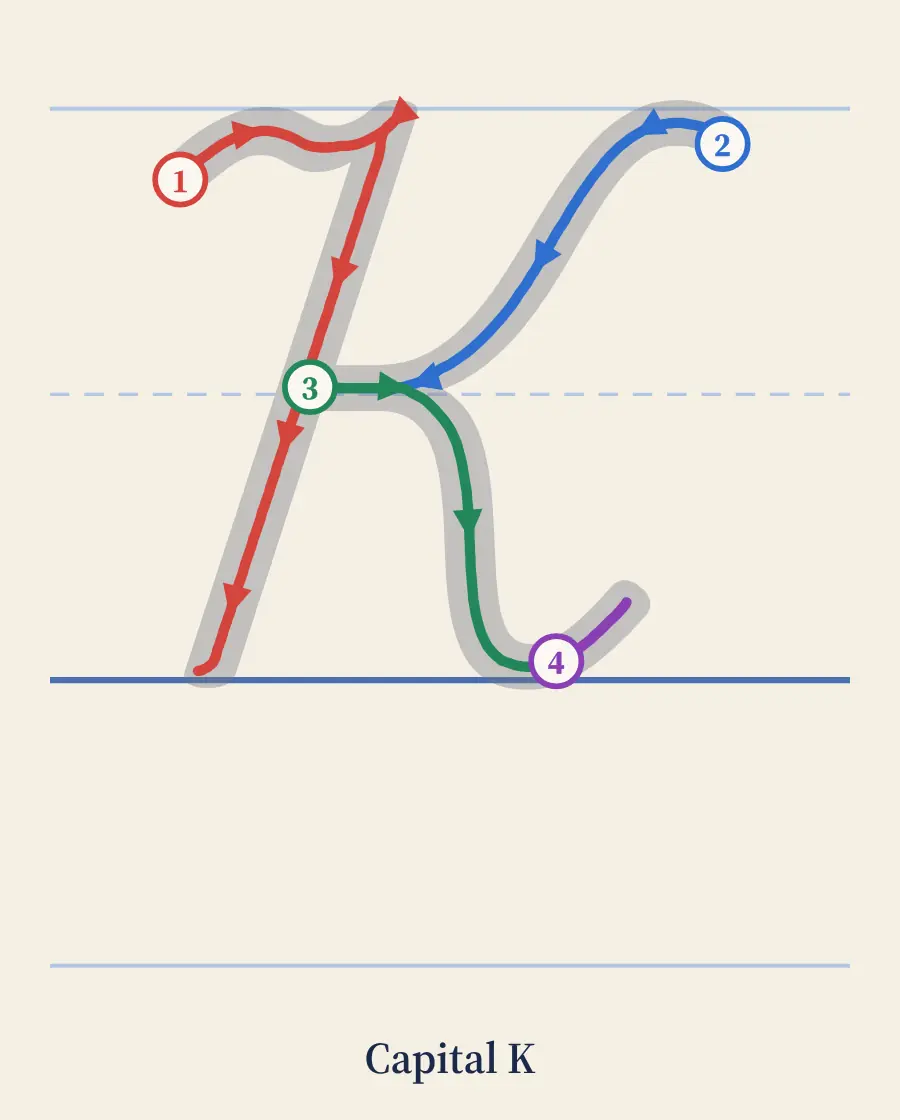
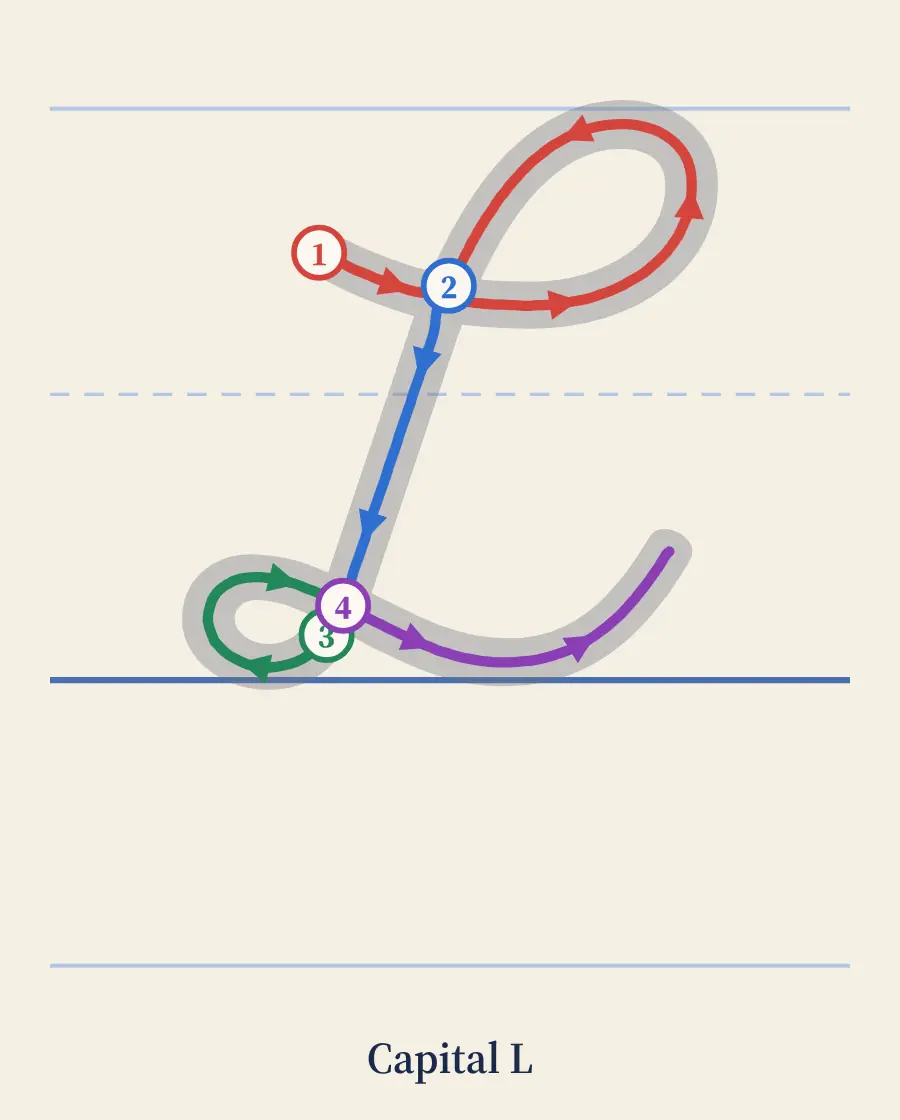
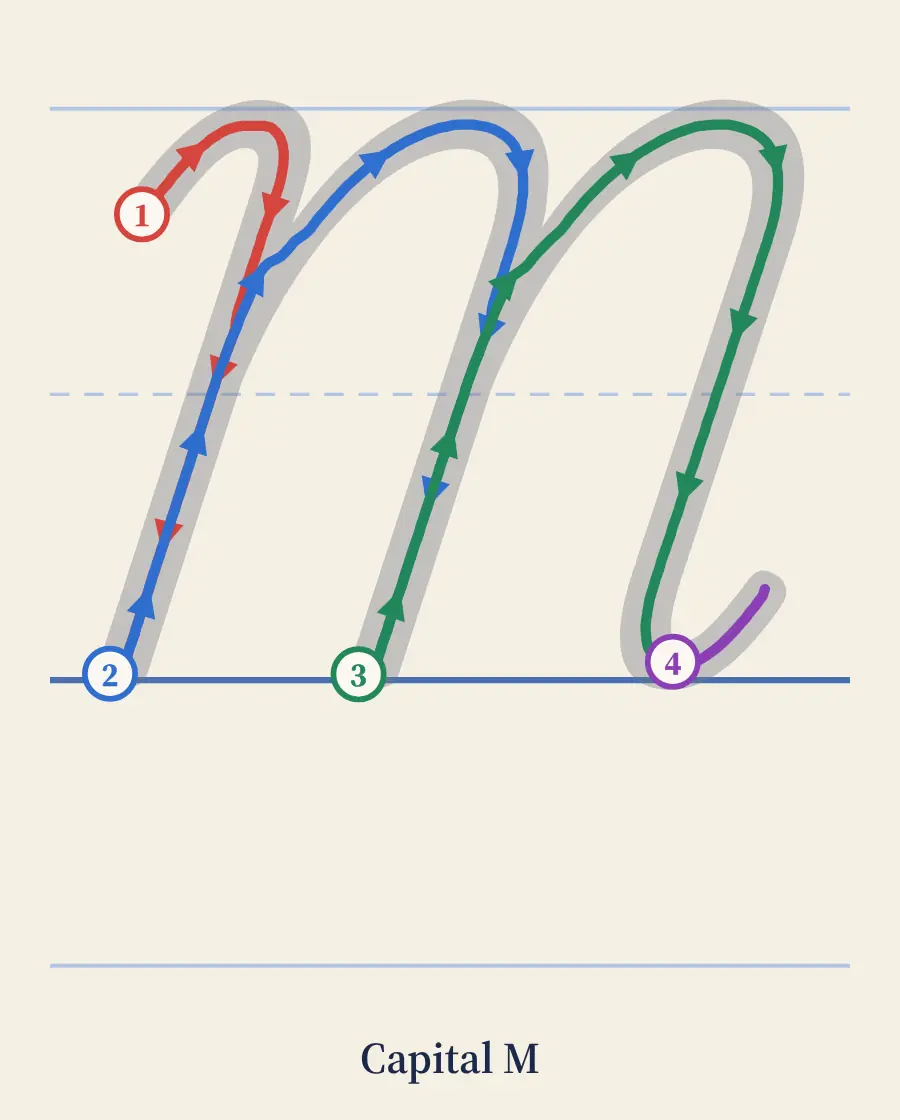
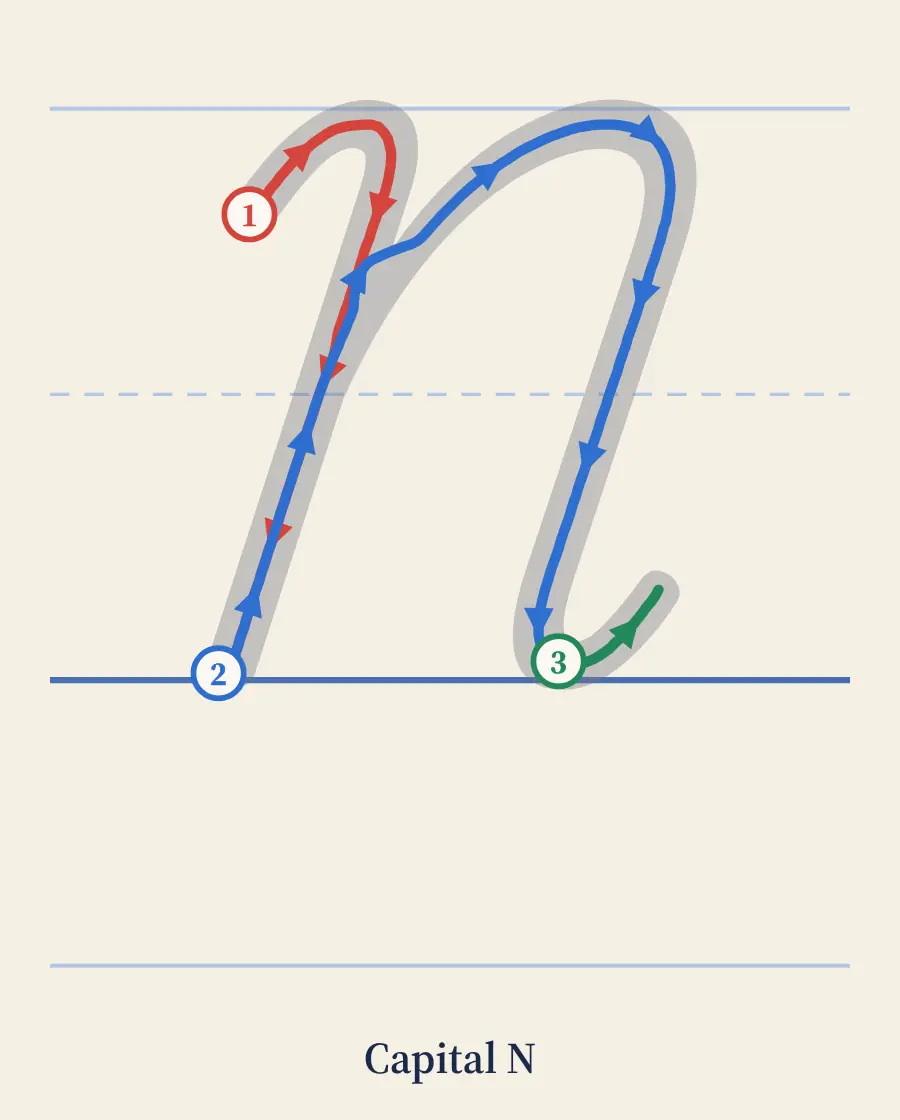
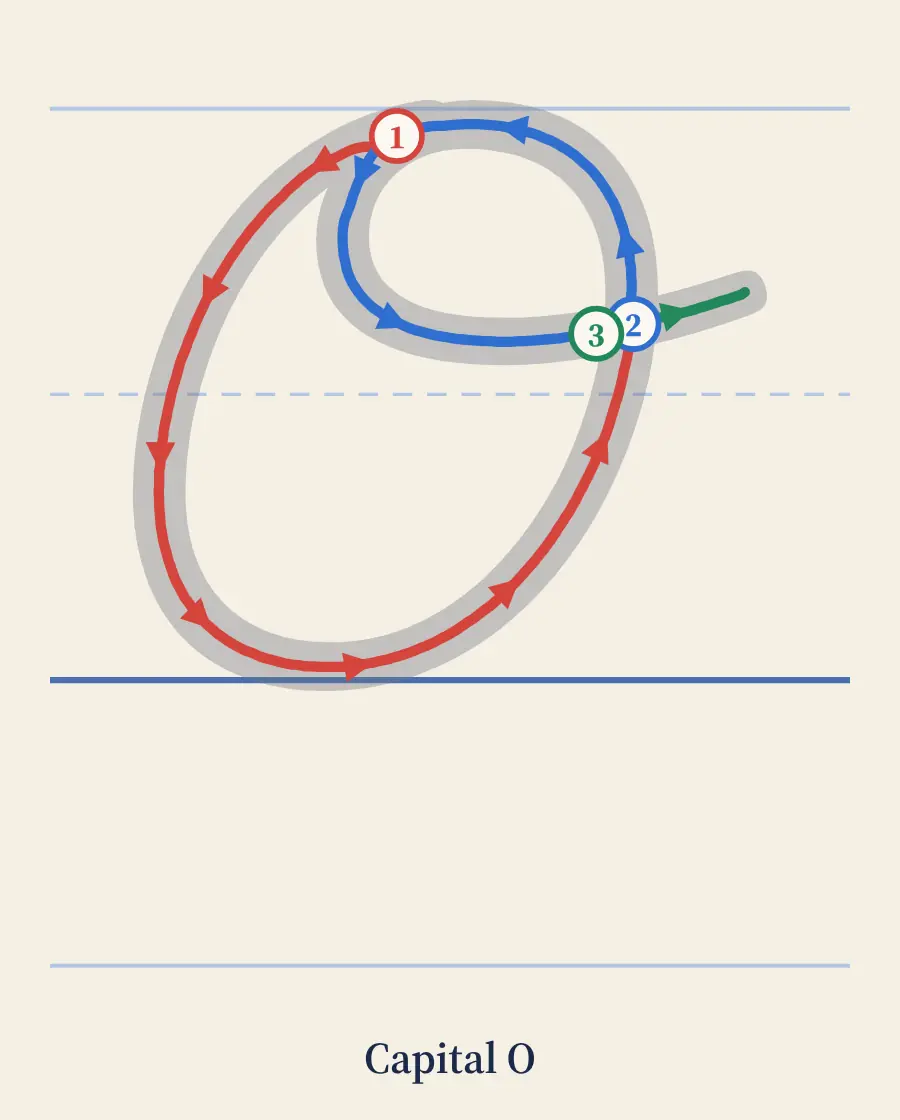
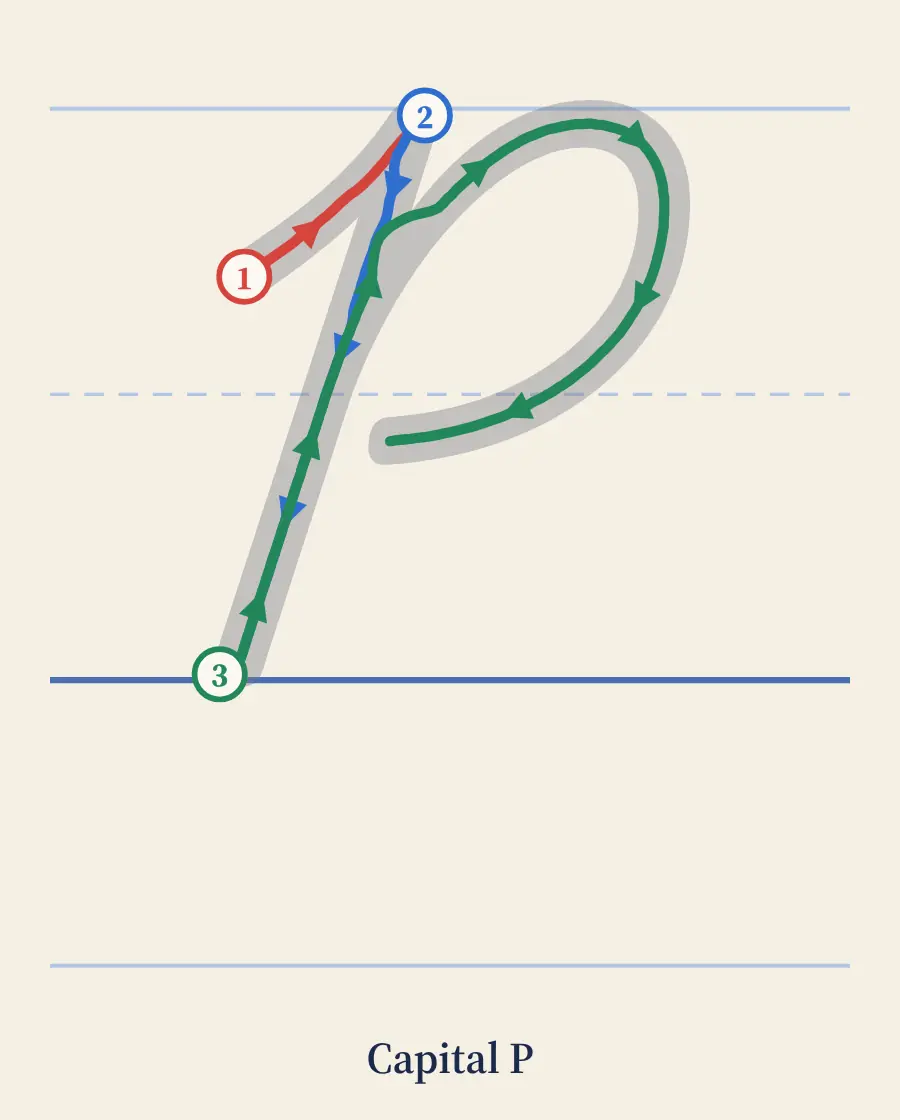
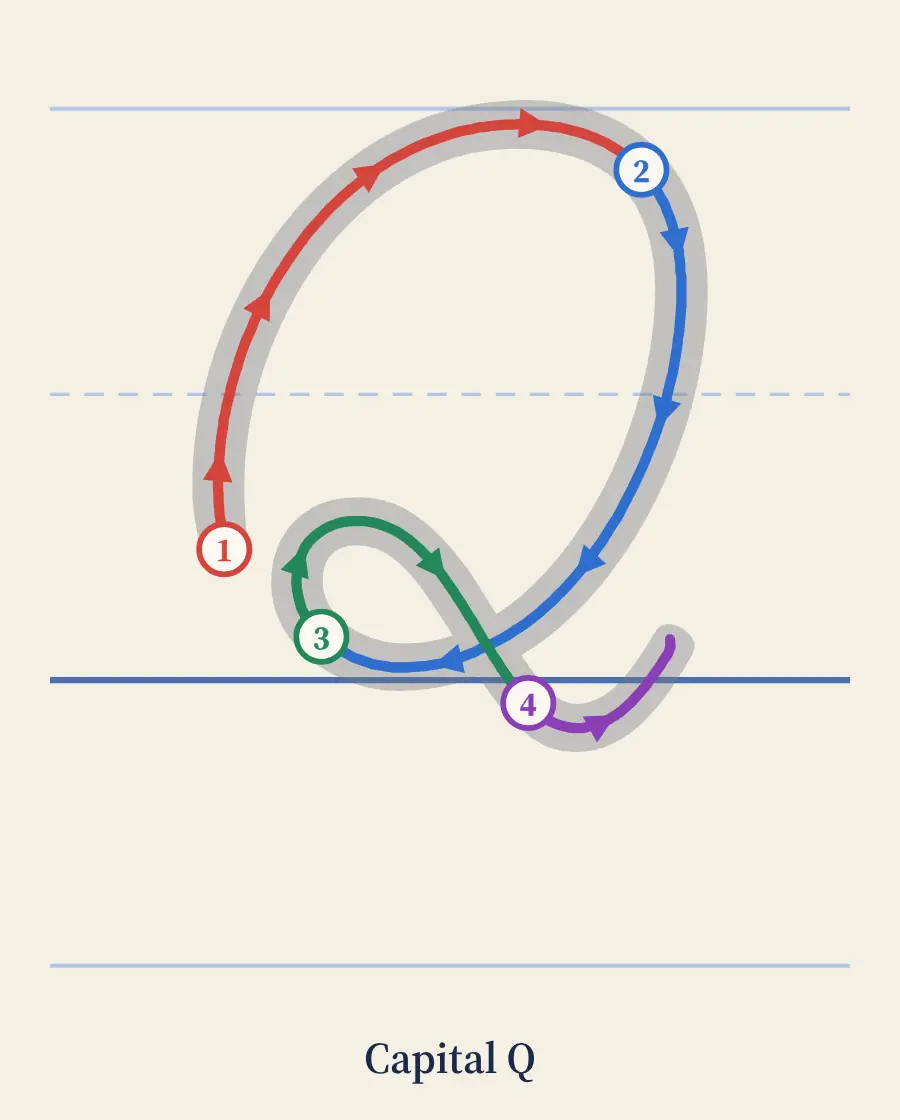
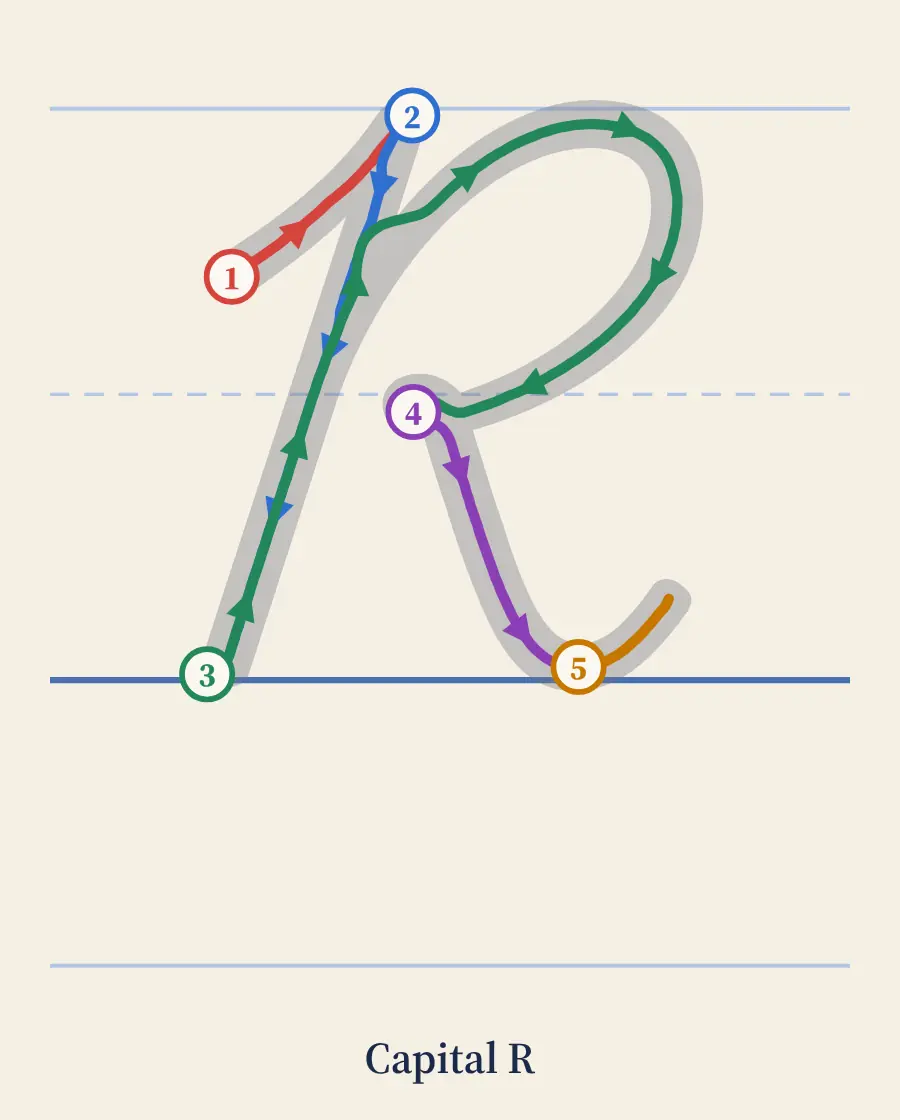
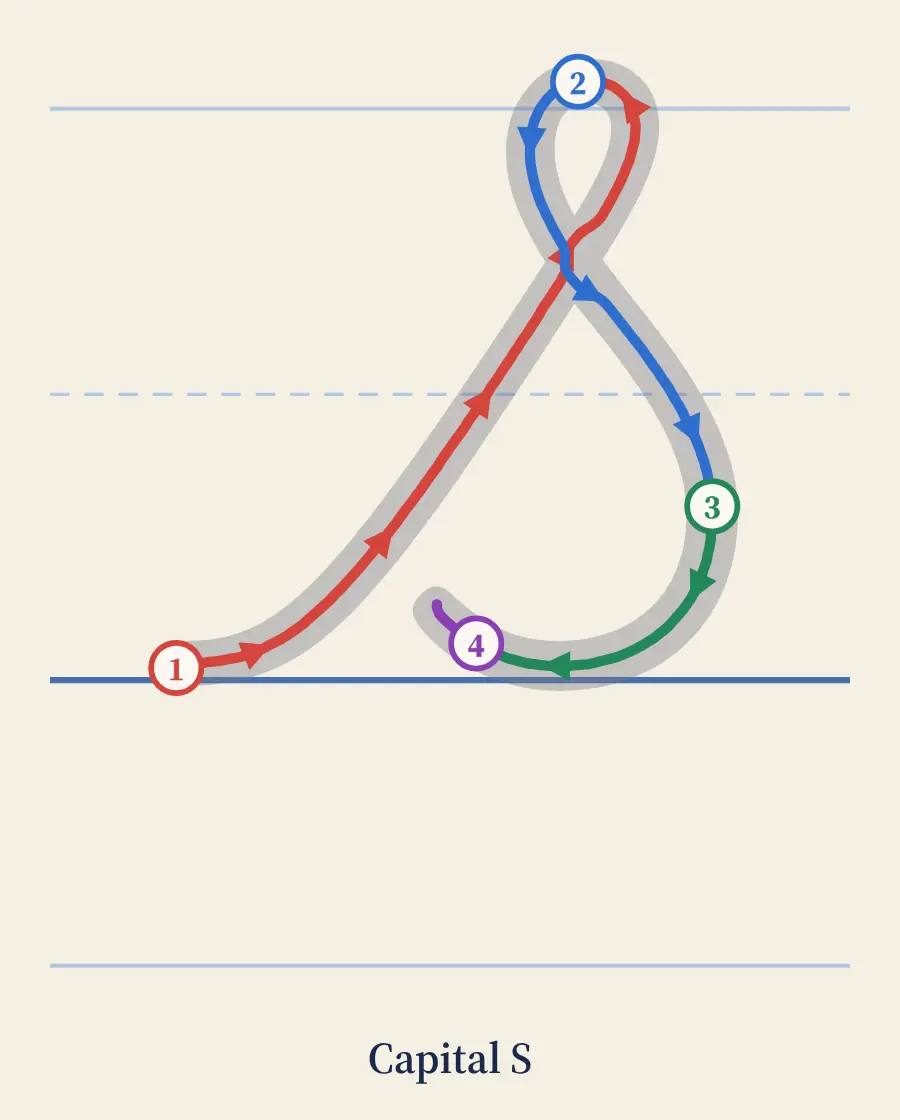
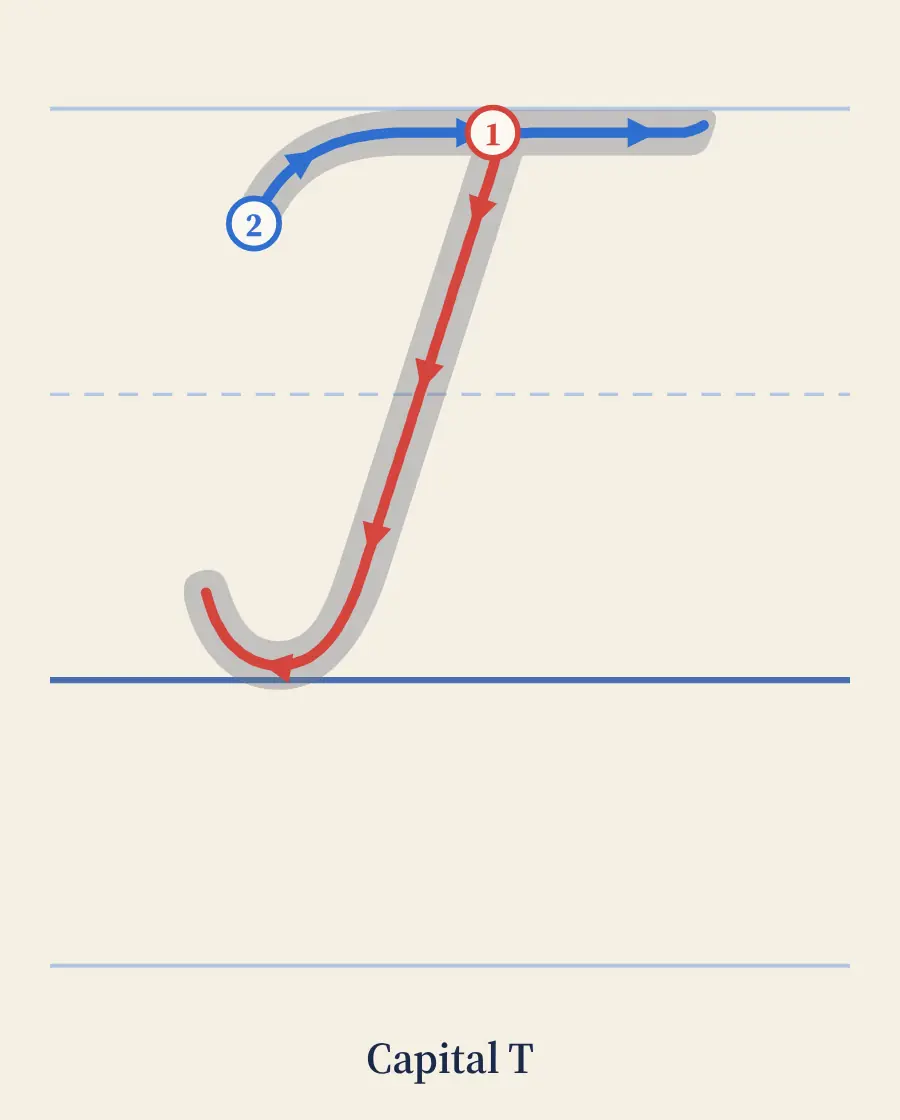
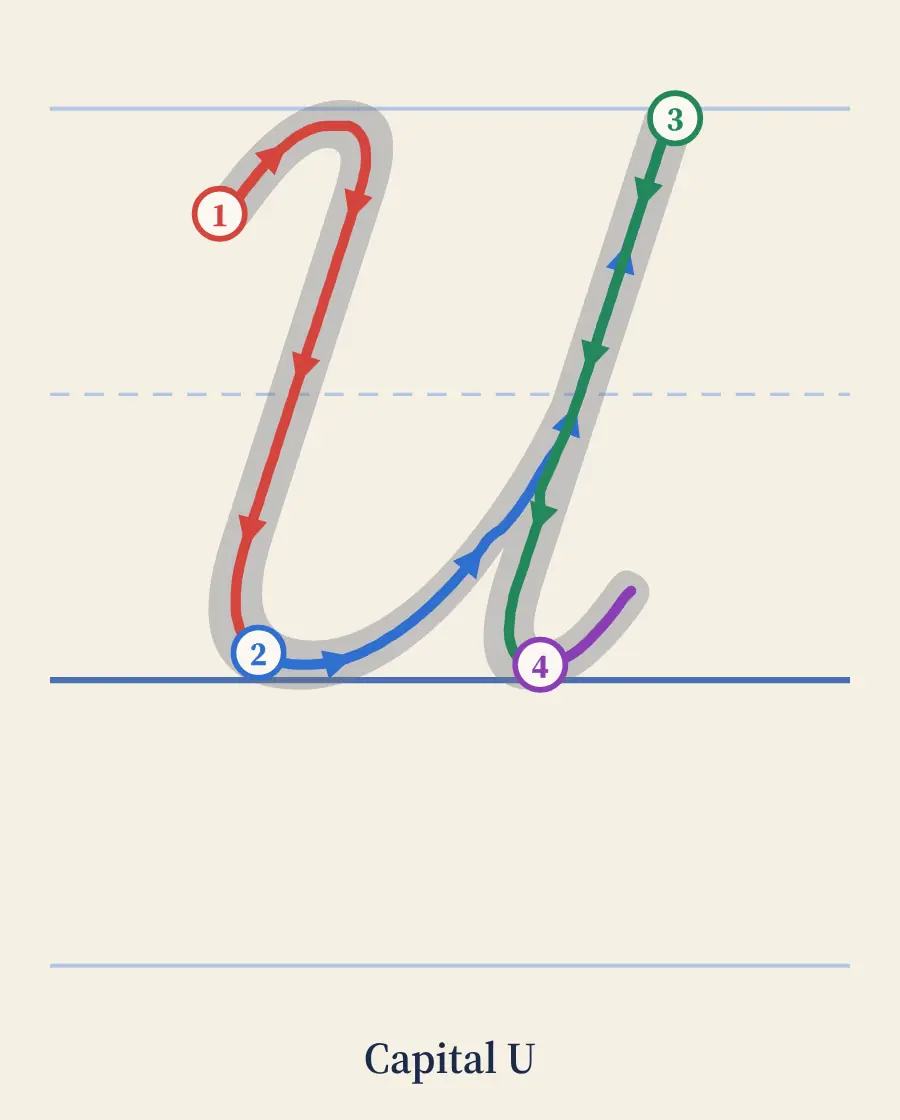
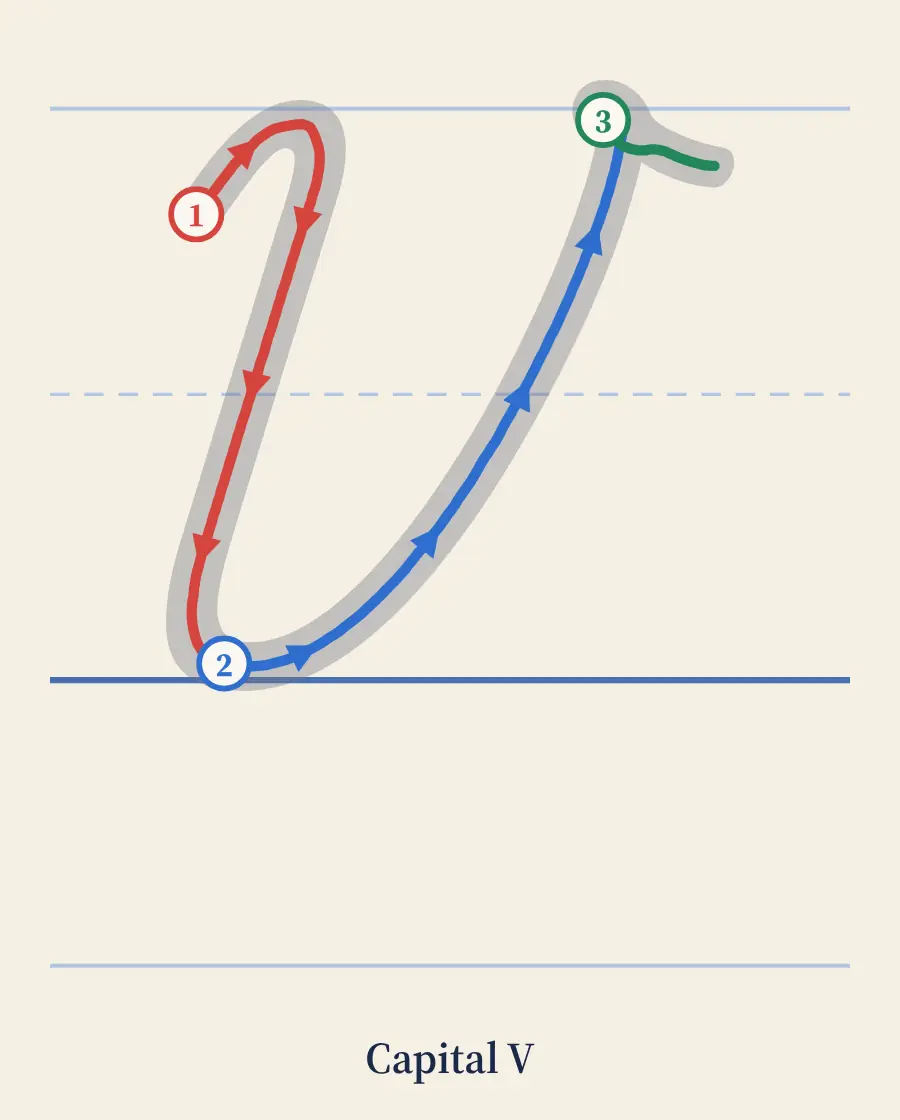
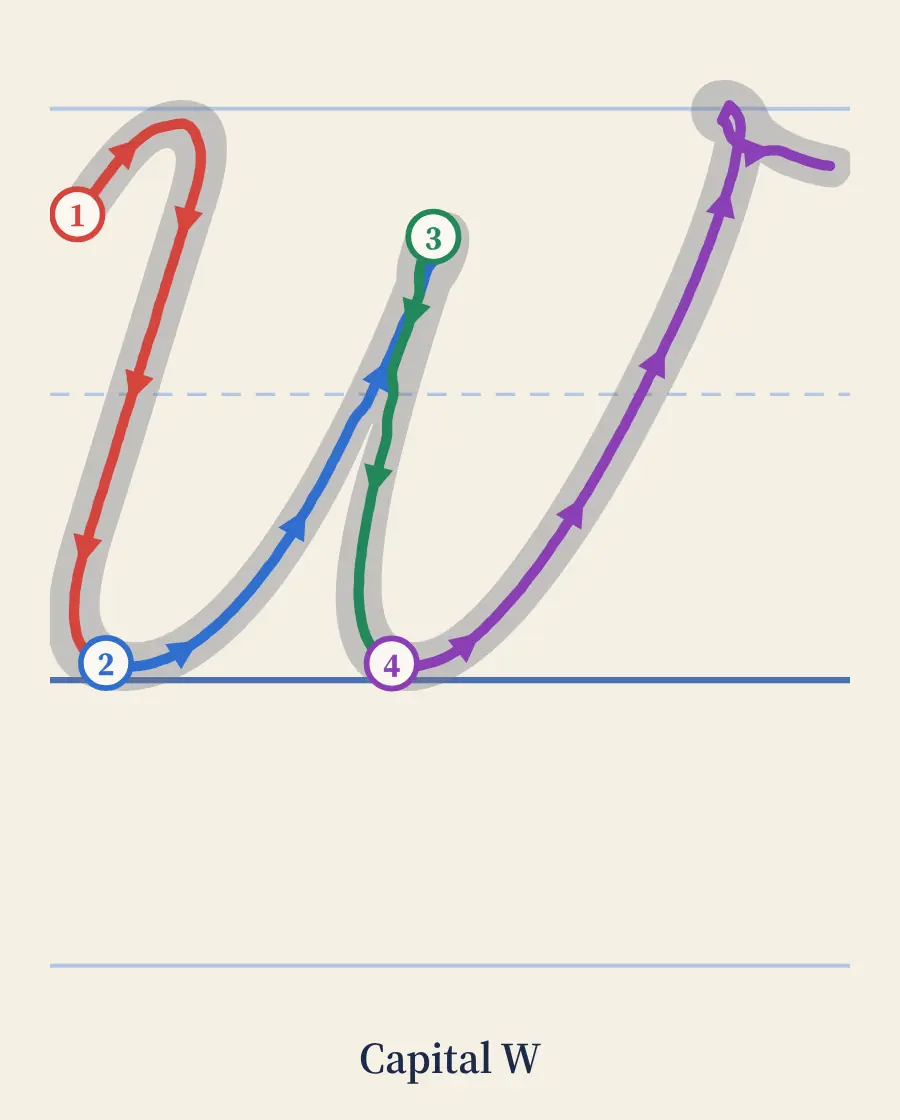
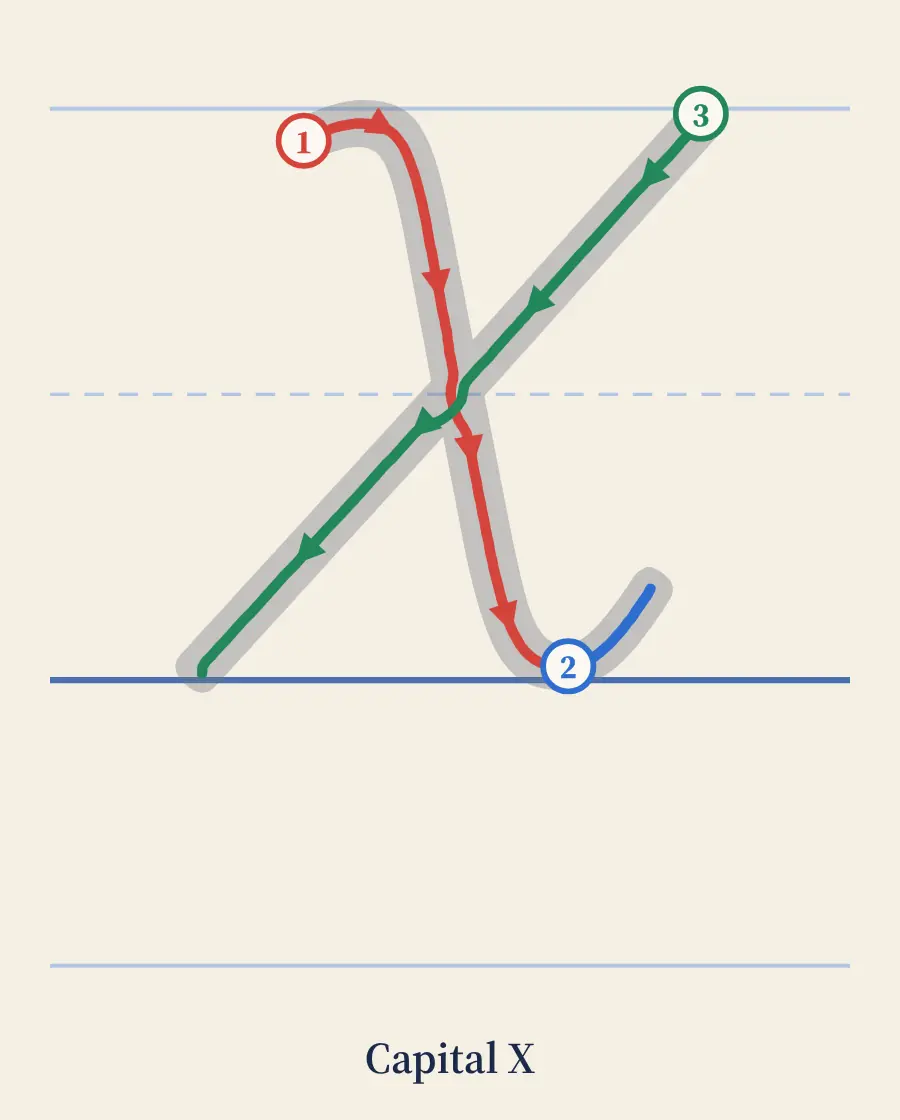
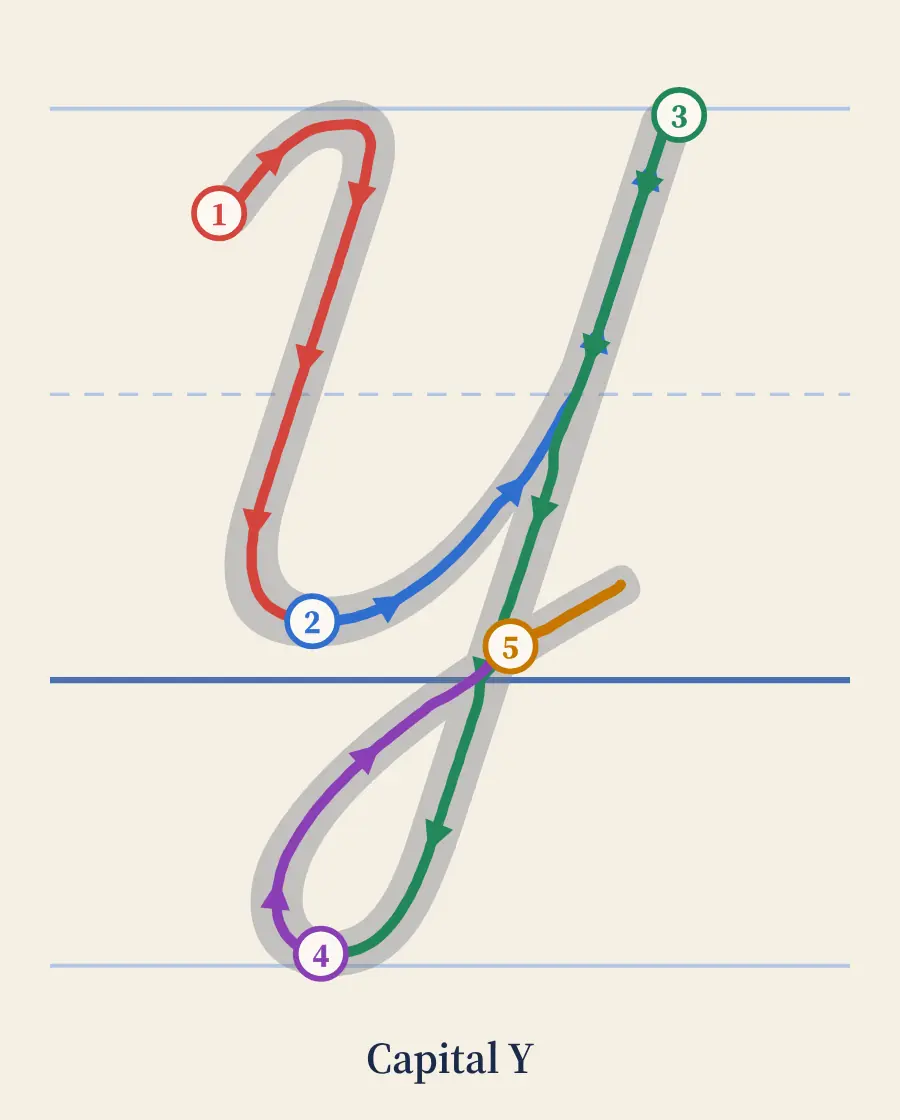
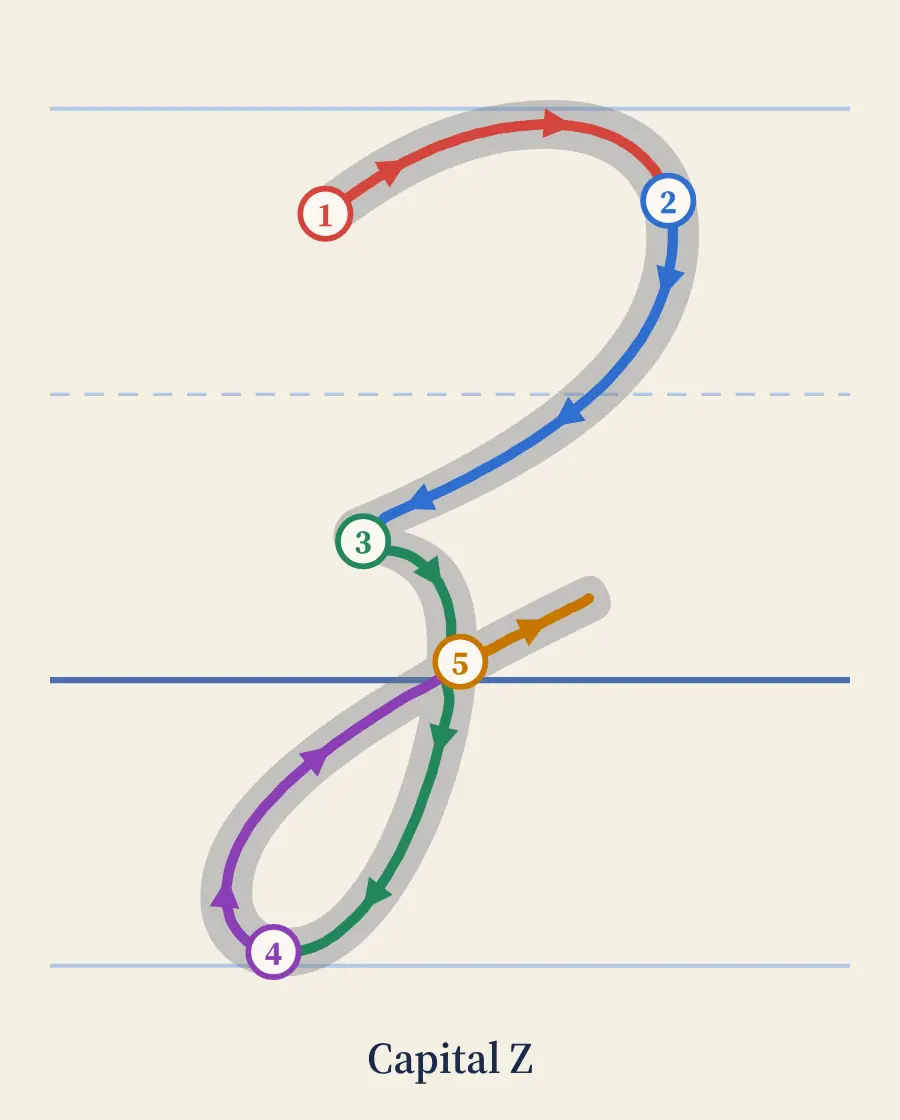
Put any letter's stroke-by-stroke animation on your class website, blog or learning platform. Copy the code, paste it in, done. Each one has play, slow, next-stroke and arrow buttons.
How to embed
- Find the letter below and press Copy code.
- In your site editor, add an HTML or embed block and paste the code.
- Keep the link under the animation. It credits the site and gives readers the full steps and a printable sheet.
Questions
Is it free to embed the animations?
Yes, for schools, teachers, homeschoolers and blogs. Keep the link under the animation so readers can find the steps and the printable sheet.
Will it work in Google Sites, WordPress or Canvas?
Anywhere that accepts an iframe or embed code: Google Sites (Insert, Embed, Embed code), WordPress (a Custom HTML block), Canvas and Schoology pages in HTML view, and most class website builders.
Can I change the size?
Yes. Change the width and height in the code. The default 420 by 600 pixels fits a sidebar or a column; the animation scales to fit.
Does it track my visitors or show ads?
No. The embedded animation has no ads and no tracking code, only the animation, its buttons and the credit link.